Rankd is your AI-powered job search command center. Run a 7-block deep evaluation on every job listing, get tailored resumes and cover letters optimized for ATS, discover hidden jobs before they hit job boards, prep for interviews with live company research, and track every application with follow-up reminders — all in one place.
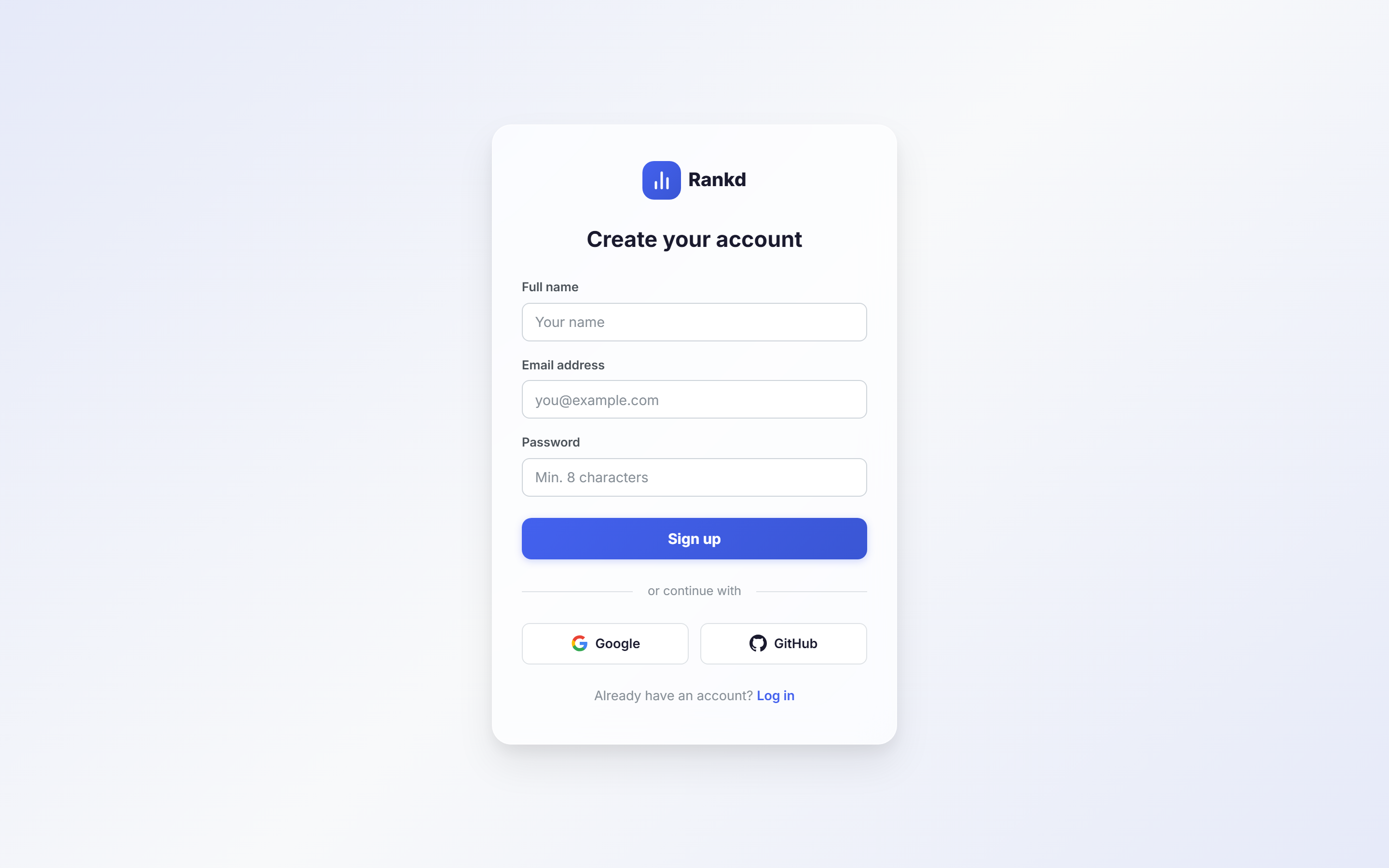
Create Your Account
Visit www.tryrankd.com and click "Get Started Free".
- Sign up with email & password
- Or use Google OAuth or GitHub OAuth for one-click signup
Set Up Your Profile & Resumes
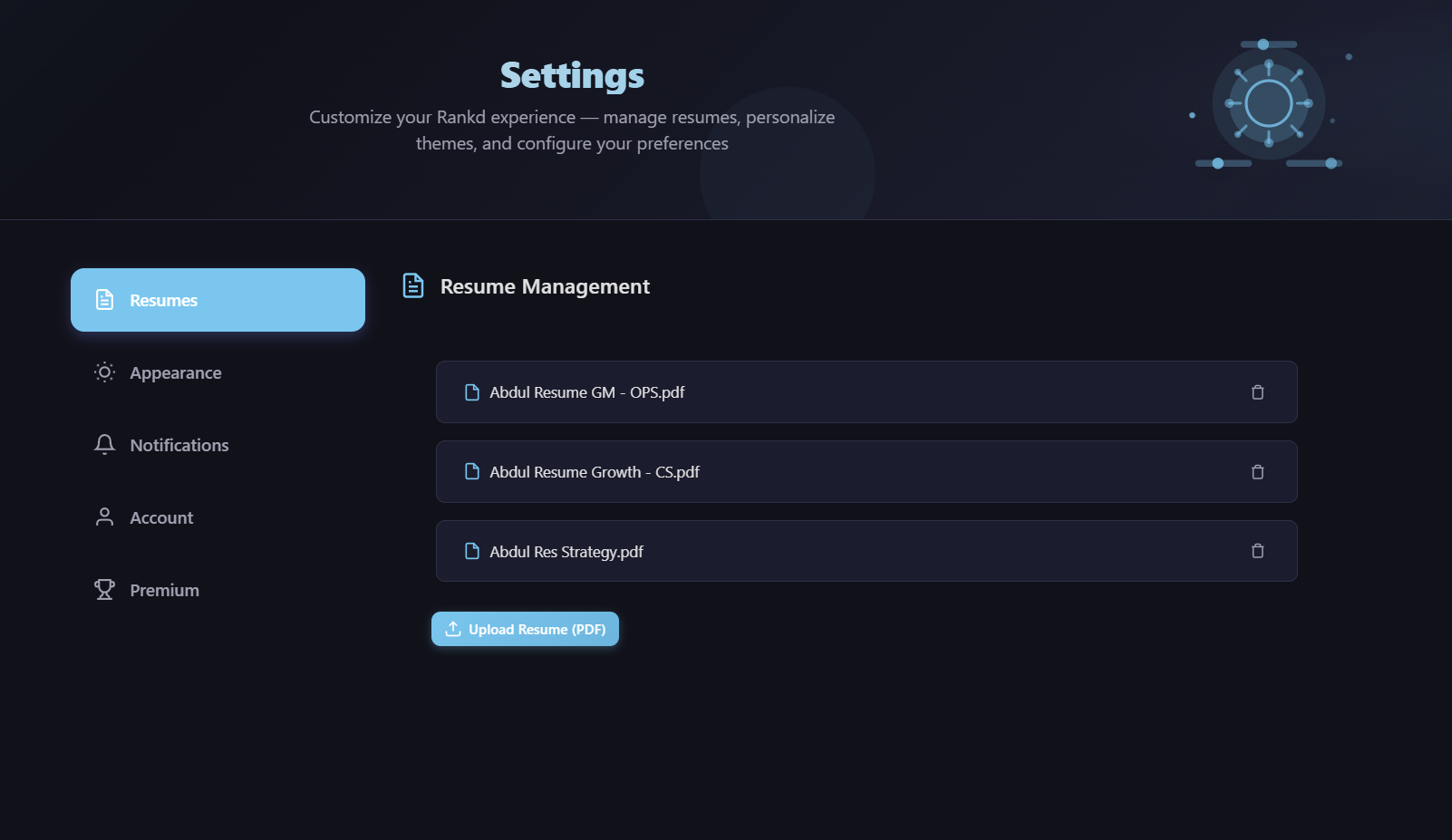
Your Career Profile is the foundation of Rankd — it's injected into every AI evaluation, tailored resume, cover letter, and interview prep, so set it up first. Open Settings → Resumes & Profile and follow the two steps on the page:
- Step 1 — Upload your resume(s). Click "Upload Resume (PDF)" and add one or more resumes. Uploading several lets Rankd compare them and recommend the best fit for each job.
- Step 2 — Auto-fill your profile. Click "Refresh from Resume(s)" — Rankd's AI reads your uploaded resumes and fills in your Career Profile for you: name, current title, years of experience, target roles, skills, and more.
- Review & save. Check the auto-filled fields, adjust anything (target roles, companies, salary range, location preferences, deal-breakers, superpowers), and click Save. The more complete your profile, the more personalized every evaluation becomes.
Process Your First Job
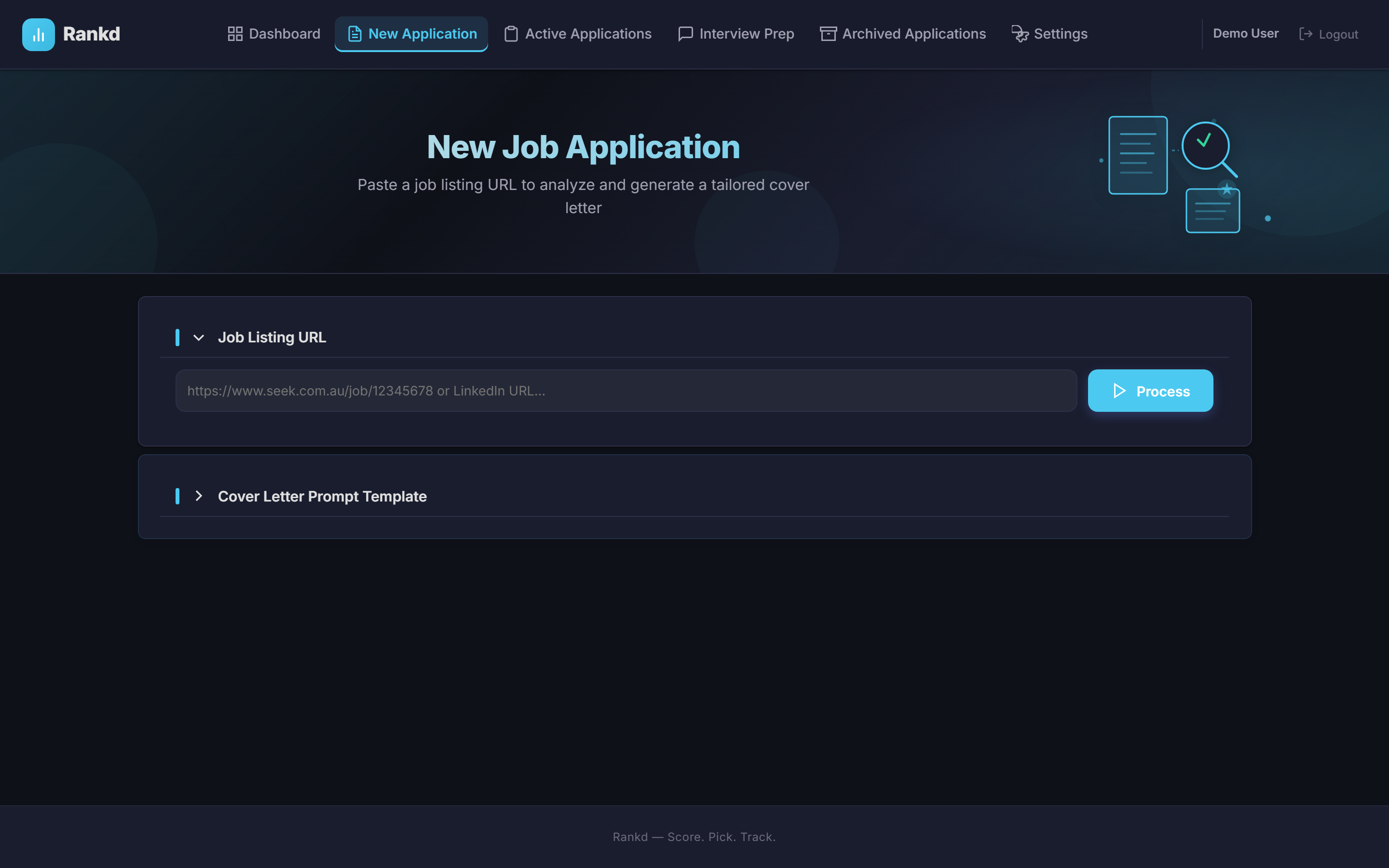
Go to New Application, paste any job listing URL, and click "Process".
- Works with Seek, Indeed, LinkedIn, and virtually any career page
- Processing runs a 7-block deep evaluation: (A) Role Summary & archetype detection, (B) CV Match scoring with gap analysis, (C) Level Strategy, (D) Compensation Benchmarking, (E) CV Changes & ATS keywords, (F) STAR Stories, (G) Ghost Job Detection
- Get a tailored resume (PDF/DOCX) and cover letter (PDF/DOCX) optimized for ATS systems
- Receive job-specific interview story recommendations from your STAR+R bank
- Processing takes 20–30 seconds for initial analysis
Track Your Applications
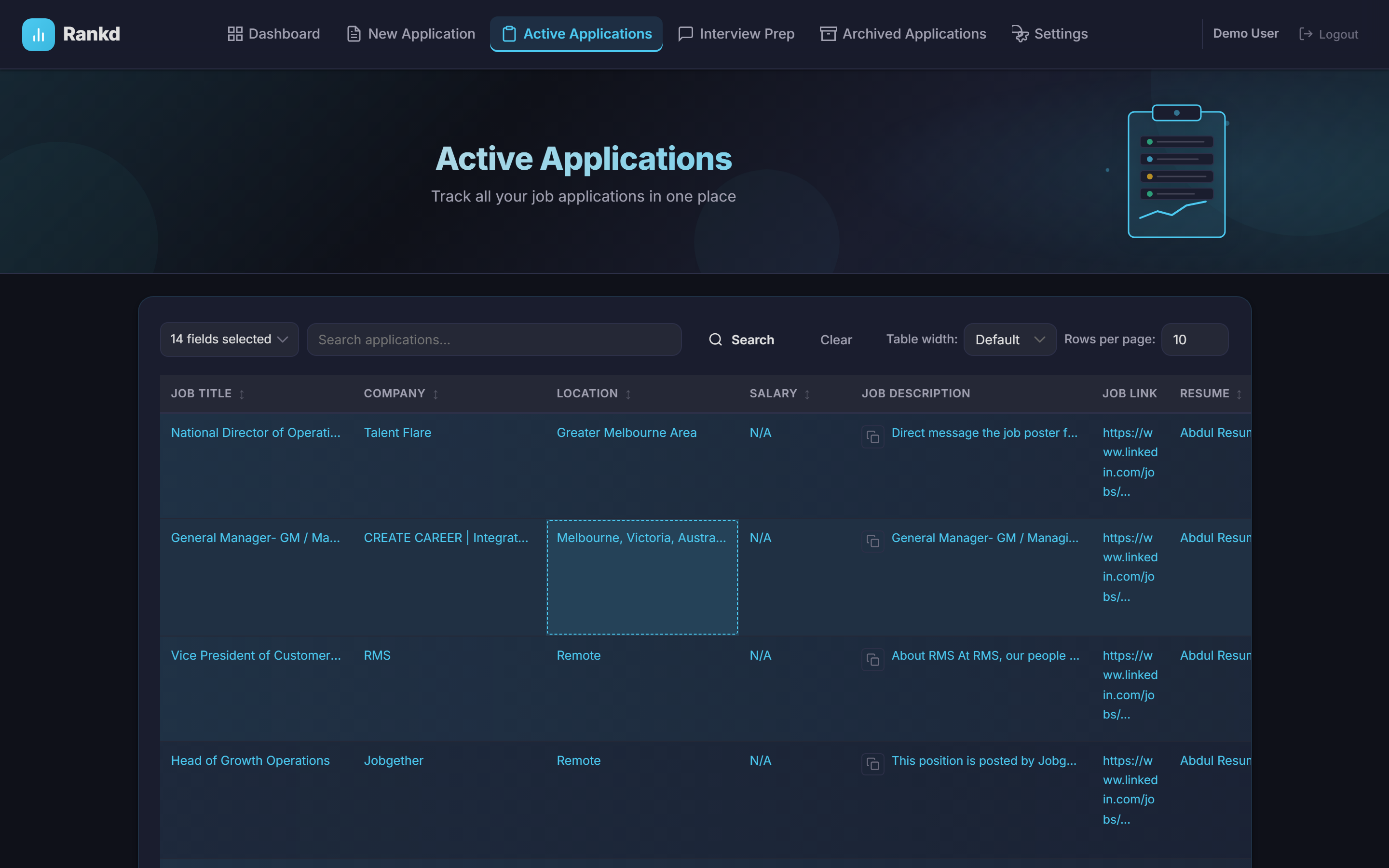
All saved applications appear in the Application Log with full status tracking, follow-up reminders, and urgency alerts.
- Sort, search, and filter across all your applications
- Update status as you progress: Applied → Interview 1/2/3 → Offer → Accepted
- Follow-up tracker — log every follow-up with date, channel (email, phone, LinkedIn), and notes; get urgency alerts for overdue items
- Archive & restore — keep your log tidy while retaining all data
Discover Jobs
Use the Job Discovery page to scan company career pages and ATS platforms for new openings before they hit the job boards.
- ATS integrations — scan Greenhouse, Lever, Ashby, and Teamtailor directly
- Career page scanning — Playwright-powered scraping for any company portal
- Results flow into your Pipeline Inbox where you can evaluate in bulk, promote the best ones, and apply
- 55+ pre-configured companies ready to scan
Prepare for Interviews
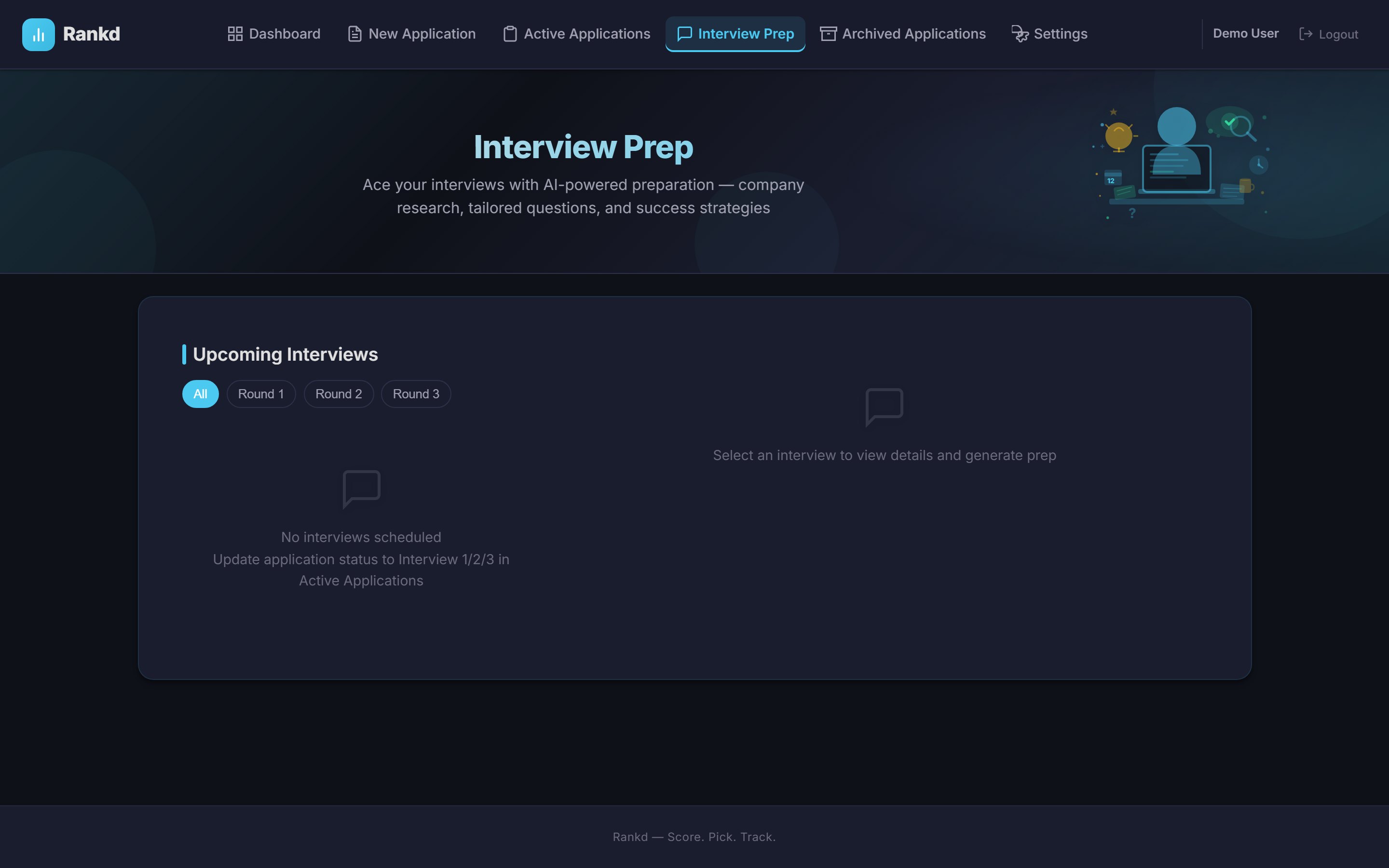
Set an application's status to Interview 1, 2, or 3 to unlock AI-powered interview prep, and use the Stories page to build your STAR+R story bank.
- 3 preparation stages: Screening, Technical, and Leadership/Cultural — tailored questions and talking points based on the job and your resume
- Deep company research — live web research on culture, recent news, tech stack, interview format, and smart questions to ask, pulled fresh when you need it
- Add your own context — paste notes or upload files (PDF/DOCX/TXT) for the AI to factor into your prep
- STAR+R Story Bank — auto-extract interview stories from your experience and get job-specific recommendations; AI creates structured narratives (Situation, Task, Action, Result, Reflection)
- Export to PDF — download a one-page interview battle card with your prep, stories, and research using the section picker
Monitor Your Progress
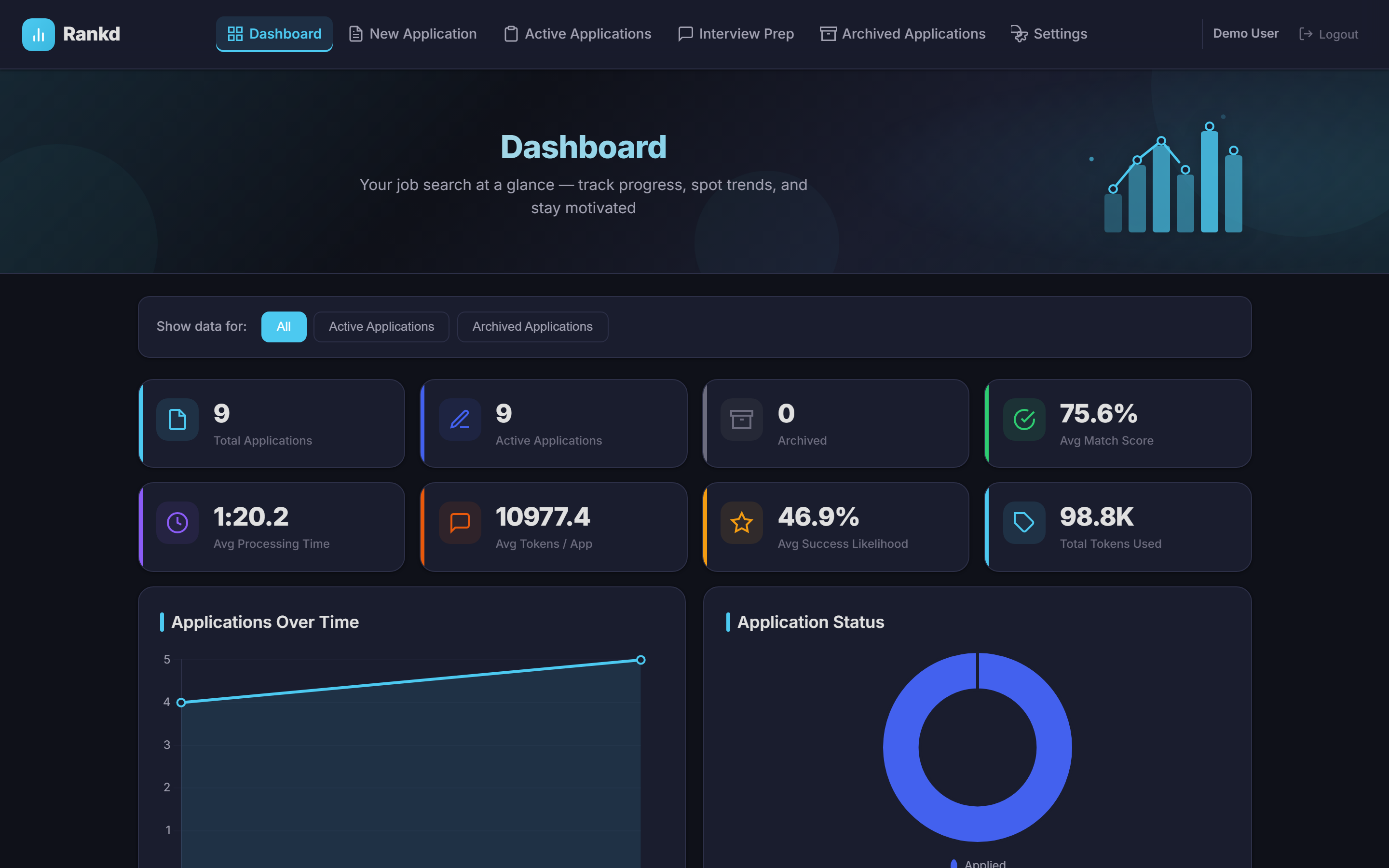
The Dashboard gives you a bird's-eye view of your entire job search with 10 insight charts covering scores, trends, salary ranges, ghost job detection stats, archetype performance, and follow-up urgency.
Pro Tips
- Upload multiple resumes — Rankd compares them all and recommends the best fit for each role.
- Set up your Career Profile first — upload a resume and click "Refresh from Resume(s)" to auto-fill it, then review and save. Your profile is injected into every AI evaluation, document, and interview prep for personalized results.
- Generate tailored CVs — use the ATS-optimized PDF/DOCX export with keyword injection to beat applicant tracking systems.
- Pick your document style — in Settings → Resumes & Profile → CV Style, choose from 8 professional looks for your CVs and cover letters (with a live preview), and control what appears on the page — tagline, contact details, and sections (Premium).
- Check ghost job scores — every evaluation flags suspicious listings (vague requirements, no salary, too broad scope) before you waste time applying.
- Scan company portals — use Job Discovery to find hidden roles on Greenhouse, Lever, Ashby, and Teamtailor before they're posted publicly.
- Use the follow-up tracker — log every follow-up with date and channel so nothing slips through the cracks.
- Build your STAR story bank — auto-generate stories from your CV and get job-specific recommendations for interview prep.
- Run company research before every interview — pull live culture, news, and interview-format intel, then export a one-page battle card to PDF to review beforehand.
Need help? Reach out at support@tryrankd.com